![⛳️ Golf Party (Mini-Golf Minigame) ✨ [1.8 - 26.2] ⛳️ icon](/media?path=resource-icons%2FhK0K2YCgsv5ybuwssY6Gf1izlEcROvJbzx20jEPi.png)
![⛳️ Golf Party (Mini-Golf Minigame) ✨ [1.8 - 26.2] ⛳️ cover](/media?path=resource-covers%2FkSq43Iojd2iPRLyR751N1FuulWqQ1C6TB9LNKIn5.png)
Description
The game is played as follows:
You begin at a track and aim to guide your ball into the hole using the fewest strokes possible. The ball travels in the direction you're facing and moves at the speed you've set.
TEST SERVER:
testing.mipcraft.eu (157.90.137.69:22022)
OTHER SERVER AMAZING:
event.thestonedgolem.live
DOCS:
https://docs.mipcraft.eu/golf-party
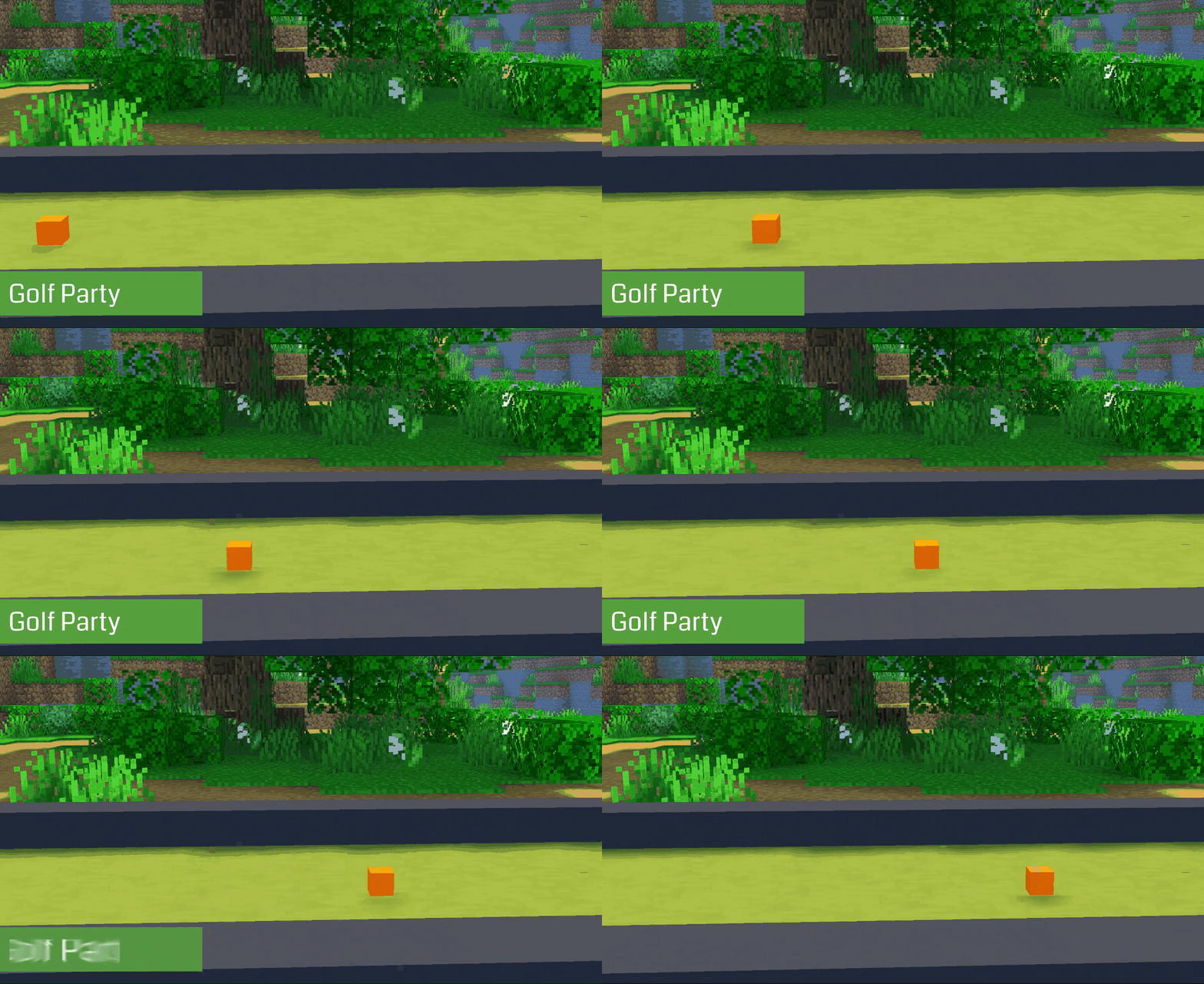
Features:
The plugin is highly configurable, allowing you to customize nearly every aspect. Some notable features of this game mode include:
- Design Your Own Tracks: Unleash your creativity by designing personalized tracks.
- Music Integration: Enhance the gaming experience by adding music through NBS files.
- Per-server/Multi-arena: Set one game per server (BungeeCord) or multiple games per server.
- MySql Support: Keep track of win streaks with efficient MySql integration.
- PlaceholderAPI Support: Enjoy compatibility with PlaceholderAPI for streamlined integration.
- Custom Models: Immerse players with support for custom models.
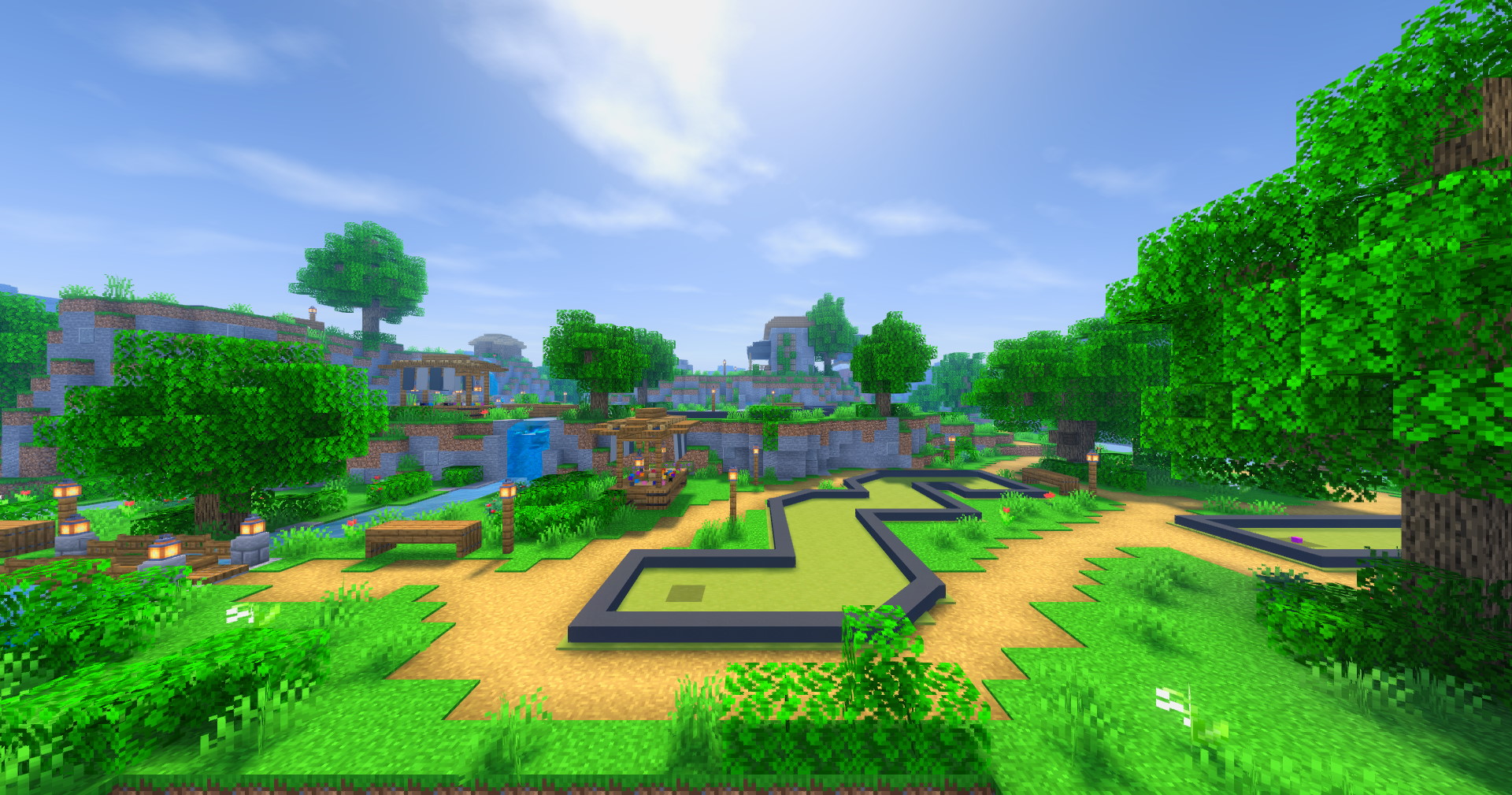
Setup:
- Get the plugin and put it in the plugins folder. Start the server and let the plugin generate the folders.
- Feel free to modify any settings in the configuration file as you see fit. Afterward, restart the server, and you'll be able to join with your new changes.
- For both the multi-games per server and single game on the server mode, you'll want to create at least one game. You can do so with the "/gp create [game_name]" command.
- Set up the game. Your inventory will now have tools. 4.1. First, set the lobby location (waiting location before the game starts) using the blue terracotta. 4.2. Next, go to your track and set the start and end positions with the stone and iron swords by pressing on the blocks. 4.3. Next, you'll want to set the collider locations, which you set with a gold sword. Colliders are boxes that are used to define an edge for the track. They can be straight or diagonal. You set them by starting in one corner and then selecting the other corner. In the chat, you'll see two messages: "Location 1 set" and then "Placed!" (If this is confusing, I suggest watching a video.) 4.4. Then you have two more tools for visual additions. The diamond sword is for making the edge, and you place it the same way as colliders. The goal display is to make the hole for the end smaller looking; you set it just by clicking on the hole. 4.5. When you're done with one track, you can click on the yellow terracotta to start setting up the new track. If you keep clicking on the yellow block, you'll loop around the tracks. 4.6. When you're done, save the game by clicking the green terracotta.
- Enjoy!
If you need to remove colliders right click on the collider setter to open colliders remove menu. When setting up the game for older verions you will have to replace all the sounds and materials in config!
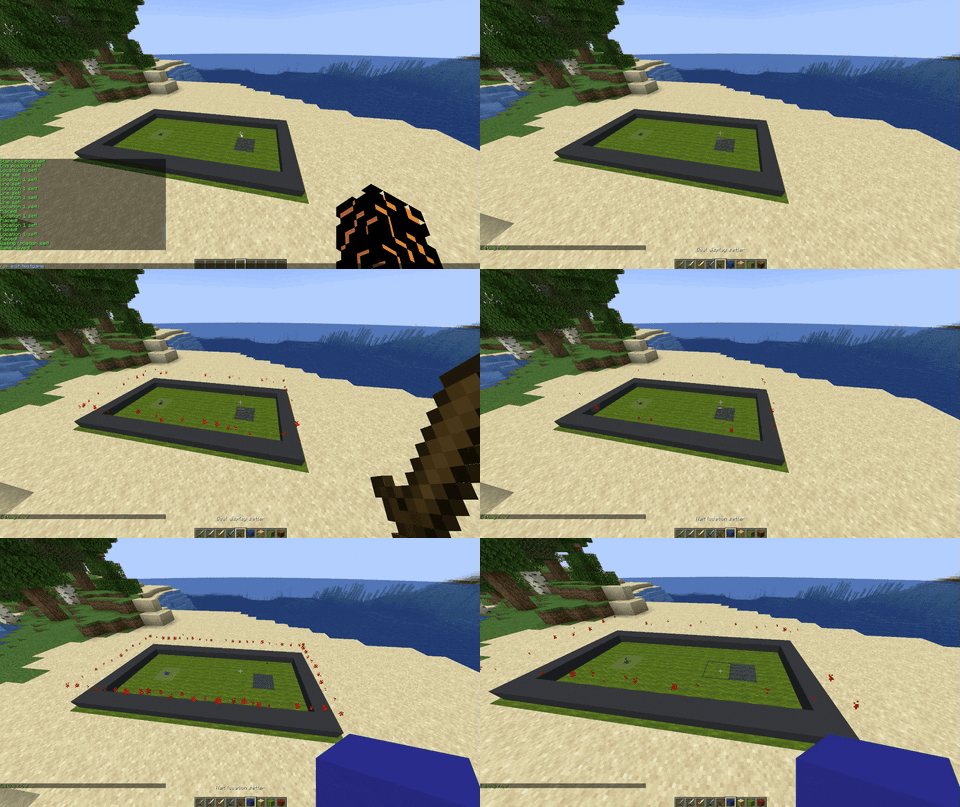
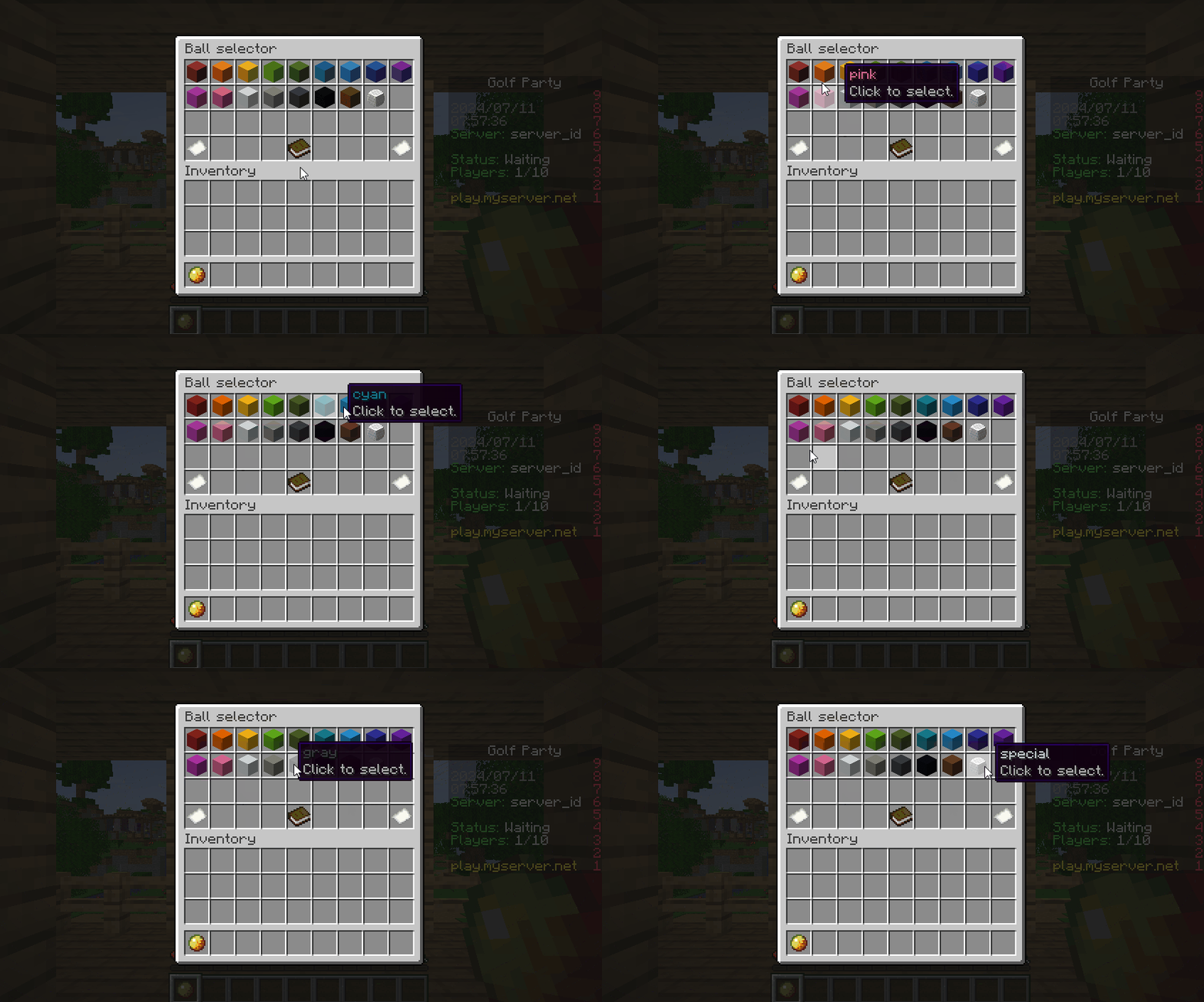
Setup videos:
Game play:
Adding your own music:
For music, you'll need to download an additional plugin [NoteBlockAPI] Restart the server and you'll get a folder in GolfParty called music, where you drop in the NBS files. You'll need a Note Block Studio. If you want to see where to get those files you can watch this video:
When you have a song in Note Block Studio just export it as NBS.
Commands:
/gp join - Join the best game. /gp join [game] - Join the game. /has join [selector] [game] - Join specific players in to the game. /gp leave - Leave game. /gp create [game_name] - Create a new game. /gp edit [game_name] - Edit a game. /gp remove tool - Gets you a remove display tool. /gp reset - Resets the ball to the last location. /gp set floor [material] - Sets floor material. /gp set edge [material] - Sets edge material.
Support: https://discord.gg/2dcXEtP
Compatibility
- GameMinecraft
- CategoryPlugins
- Open SourceYes
- DRM-freeYes
- UnobfuscatedYes
Filtering
- TypeMinigame
- Game ModesMinigame
- Supported SoftwareSpigot, Paper, Purpur
- Supported Versions26.1, 1.21, 1.20, 1.19, 1.18, 1.17, 1.16, 1.15, 1.14, 1.13, 1.12, 1.11, 1.10, 1.9, 1.8
- Supported LanguagesEnglish
Extras
- DependenciesNone
- Links Discord, Documentation
What Buyers Are Saying
Recent buyer feedback, with the full discussion and all reviews available in the dedicated tab.
No reviews yet. Be the first to leave one from the Reviews tab.
Go To ReviewsVersion History
Current package: GolfParty_2.45.1.jar · 331.4 KB · uploaded Jun 09, 2026
Bug fixes
New features, more effects and new config. Make sure to regenerate the config!
Latest version.
Reviews
Real user reviews for this resource.
Log in and own this resource to leave a review.
No reviews yet.
Discussion
Public questions, support notes and creator replies.
Log in to join the discussion.
No discussion messages yet.